
Dialer Agent Performance
The Dialer Agent Performance Report allows you to analyze and monitor agent performance within the dialer portal. It provides insights into metrics such as break time, total call duration (incoming and outgoing), and missed calls.
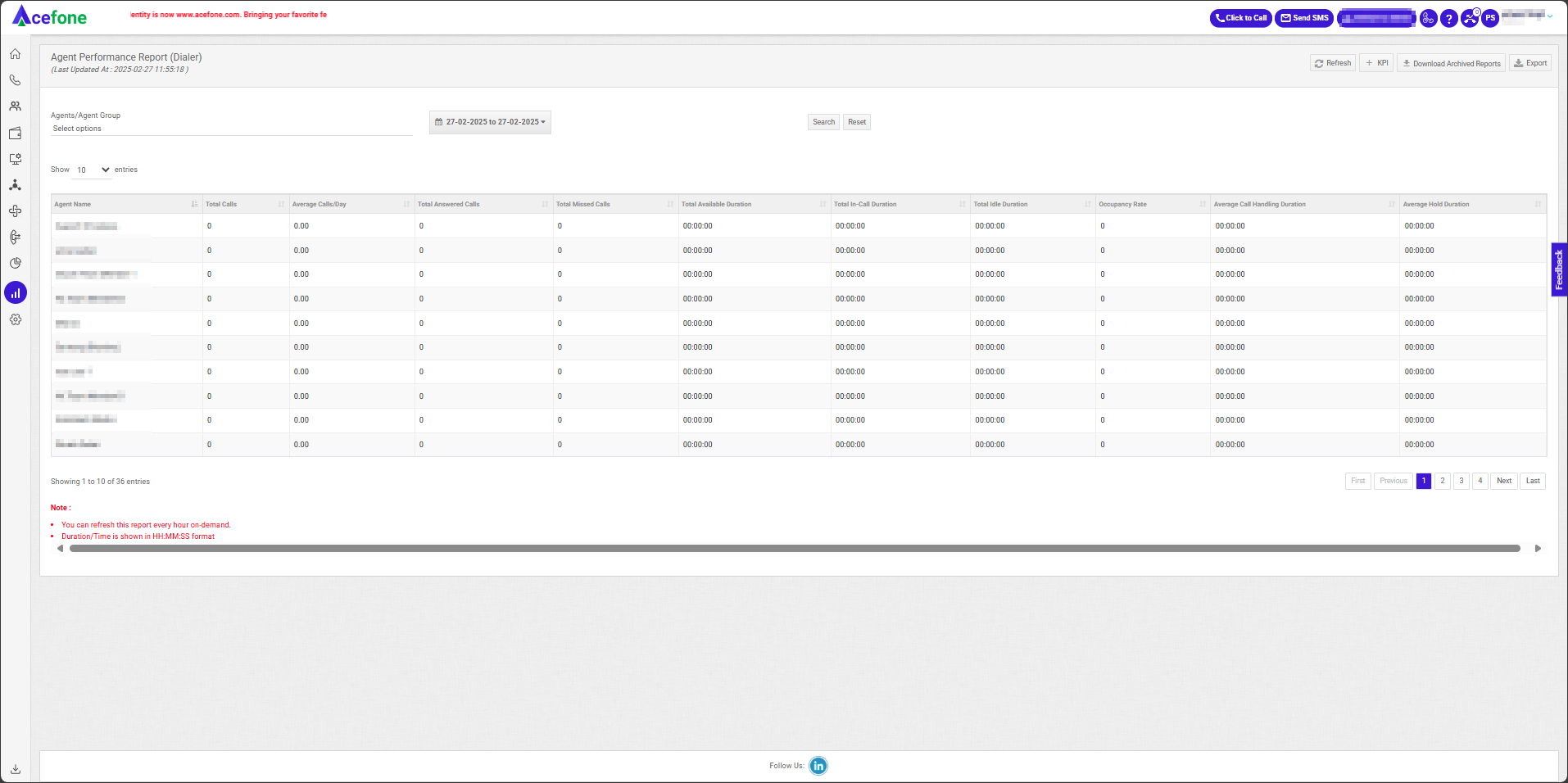
Date Selection
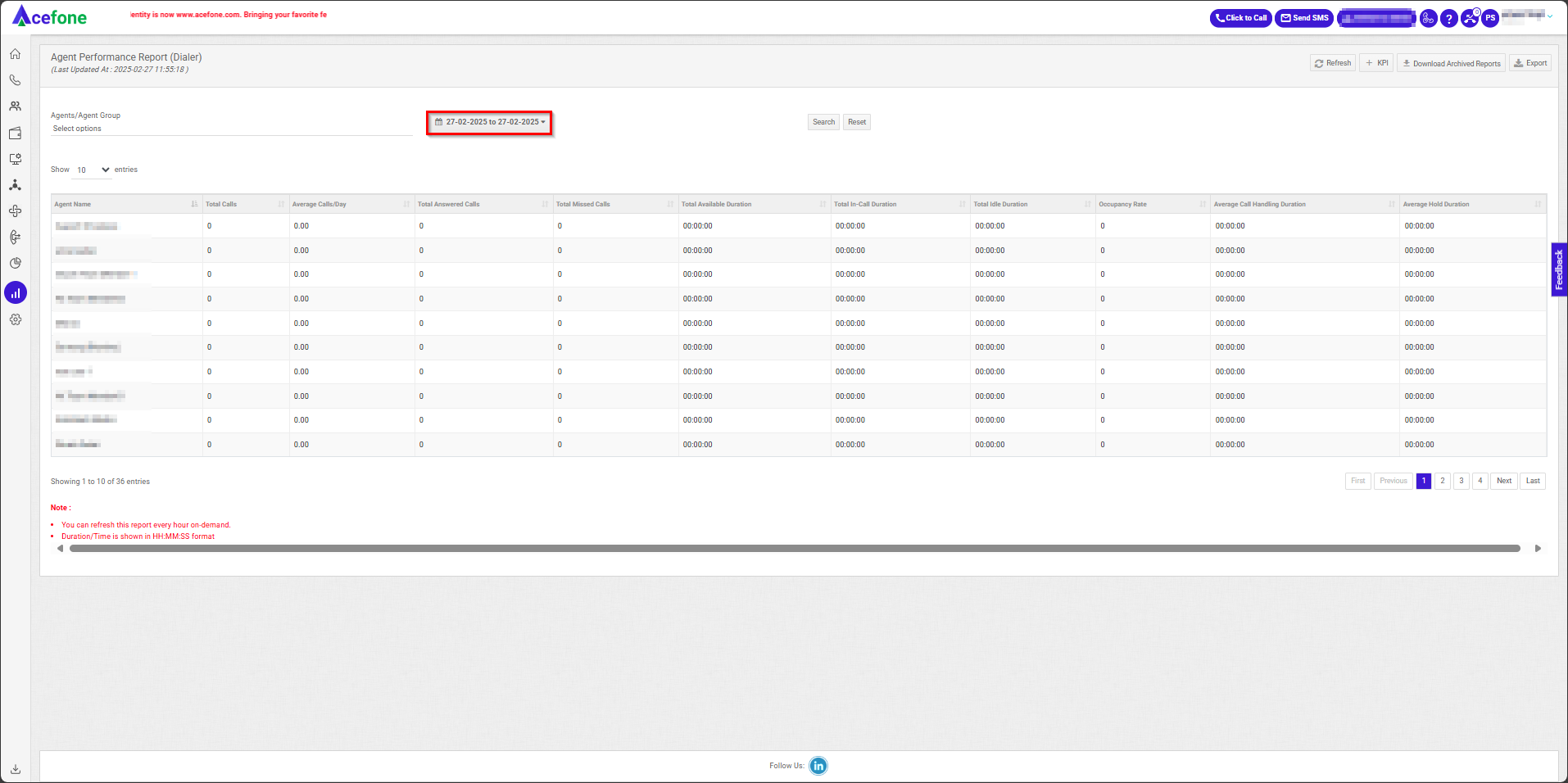
- Click on the date selection tool, as shown in the screenshot above.
- The date selection tool allows users to define the time range for the dashboard data. Users can select predefined ranges (e.g., Last 7 Days, Last Month) or choose a custom time frame by specifying start and end dates/times. However, the filter allows the selection of a maximum of 30 days in one go to ensure optimal performance and data accuracy.
Agent/Agent Group and Campaigns Filter
This feature helps you filter the report based on selected agent groups / Individual agents and Campaigns.
- Click Agent/Agent Group or Campaigns from the top-left corner of the page.
- Select the desired Agent/Agent Group or Campaigns from the list.
- Click Search.
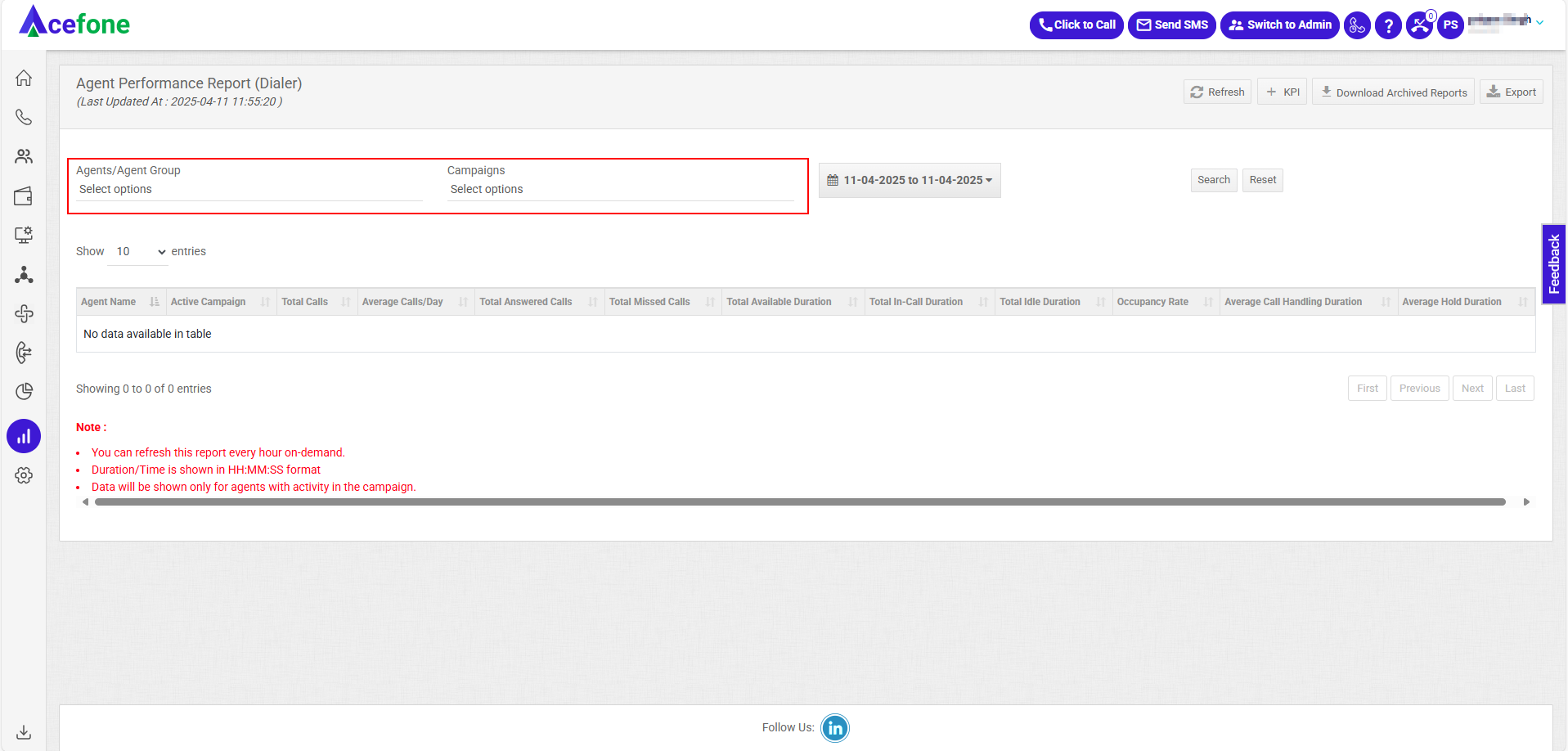
Campaign & Agent Filter Behavior
- Campaign and Agent filters work together to show relevant performance data.
- Selecting a Campaign displays its associated Agents and their metrics.
- Selecting an Agent shows the Campaigns they are part of, with related data.
Note: Campaign-based filtering is available only from April 9th, 2025. Data before this date won’t appear when using the Campaign filter.
Key Performance Indicators (KPIs)
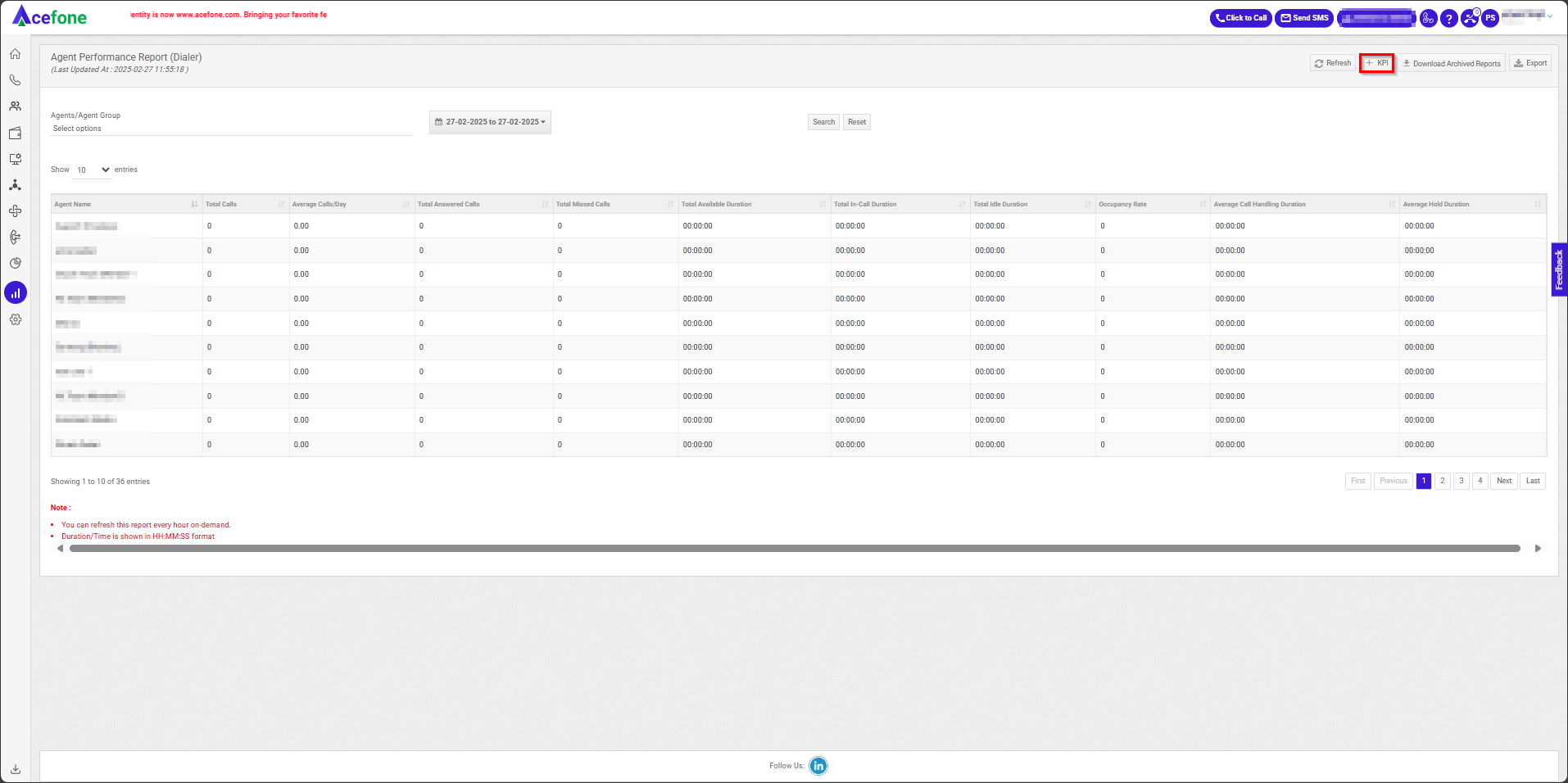
- Below is a table explaining the KPIs available in the Dialer Agent Performance Report:
| Field Name | Description |
|---|---|
| Agent Name | Name of the agent being monitored for dialer activities. |
| Group | The group the agent is assigned. |
| Intercom ID | The unique intercom ID assigned to the agent. |
| First Login Time | Time when the agent first logged into the dialer system for the day. |
| Last Logout Time | Time when the agent logged out of the dialer system. |
| Logged In Duration | Total time the agent was logged into the dialer system. |
| Break Duration | Total time the agent spent on breaks during their logged-in session. |
| Campaign Name | Name of the dialer campaign(s) the agent participated in. |
| Total Calls | Total number of calls dialed or received by the agent. |
| Average Calls/Day | Average number of calls handled daily by the agent. |
| Average Inbound Calls/Day | Average number of inbound calls handled daily by the agent. |
| Total Answered Calls | Total number of calls answered by the agent. |
| Average Outbound Calls Answered/Day | Average number of outbound calls answered daily by the agent. |
| Outbound Calls Attempted | Total number of outbound calls initiated by the agent. |
| Outbound Calls Answered | Total number of outbound calls successfully answered by customers. |
| Outbound Transferred Calls Answered | Total number of answered outbound calls transferred to another agent or system. |
| Inbound Calls Answered | Total number of inbound calls answered by the agent. |
| Inbound Transferred Calls Answered | Total number of inbound calls answered by the agent after being transferred. |
| Total Missed Calls | Total number of missed calls (not answered) during the agent’s logged-in duration. |
| Inbound Calls Missed | Total number of missed inbound calls. |
| Transferred Calls Missed | Total number of missed transferred calls. |
| Total Available Duration | Total time the agent was available to handle calls. |
| Total Ring Duration | Total time the agent’s phone rang for incoming and outbound calls. |
| Total In-Call Duration | Total duration the agent spent on calls (including talk time and hold time). |
| Total Inbound In-Call Duration | Total talk time spent on inbound calls. |
| Total Outbound In-Call Duration | Total talk time spent on outbound calls. |
| Total Idle Duration | Total time the agent was idle (logged in but not handling calls). |
| Occupancy Rate | Percentage of time spent actively handling calls compared to total logged-in time. |
| Average Call Handling Duration | Average time spent per call, from start to finish, including wrap-up. |
| Total Hold Duration | Total duration for which calls were placed on hold. |
| Average Hold Duration | Average hold duration across all calls. |
| Average Inbound Call Handling Duration | Average time spent handling inbound calls, including ringing and talk time. |
| Average Outbound Answered Call Handling Duration | Average time spent handling answered outbound calls. |
| Maximum Call Handling Duration | Longest duration of a single call handled by the agent. |
| Total Wrap Up Duration | Total time spent by the agent in wrap-up after calls. |
| Average Wrap Up Duration | Average time spent wrapping up after each call. |
| Not Connected Duration | Total time spent on calls that did not connect successfully (e.g., no answer, busy tone). |
Metrics
| Parameter | Definition | Calculation Formula |
|---|---|---|
| Logged In Duration | Sum of the actual durations of all login sessions during the selected period. Each login-to-logout period is calculated separately and then summed. | Σ (Logout Time – Login Time) for all login sessions |
| Break Duration | Total duration for which the agent was in configured break states during the selected reporting period. | Σ Duration of All Defined Breaks |
| Total Available Duration | Total duration during which the agent was available or in connected session to handle interactions or perform defined available-state activities. Break and other unavailable states are excluded. | Logged In Duration – Not Connected Duration. OR Total In Call Duration + Total Ring Duration + Total Idle Duration |
| Total In-Call Duration | Total duration for which the agent was actively connected to a call. | Total Inbound In-Call Duration + Total Outbound In-Call Duration |
| Total Idle Duration | Total duration for which the agent is connected to the Dialer session but is neither handling nor ringing for a call. This includes time spent on Pre-Call Work and Wrap-Up activities. | Total Available Duration – (Total In-Call Duration + Total Outbound Ring Duration) |
| Occupancy Rate | Percentage of the agent's available session-connected time spent actively handling calls. | (Total In-Call Duration ÷ Total Available Duration) × 100 |
| Total Wrap Up Duration | Total duration spent by the agent completing post-call dispositions, including both undisposed and post-call disposition activities. | Σ (Wrap Up End Time – Wrap Up Start Time) for all wrap-up periods (Post Call Disposition Duration + Undisposed Wrap Up Duration) |
| Not Connected(Session) Duration | Total duration for which the agent was logged in but not connected to an active Dialer session. During this period, the agent cannot receive inbound calls or make outbound calls. This also includes the cumulative duration of all defined breaks taken by the agent. | Logged In Duration – Total Available Duration |
| Pre Call Work Duration | Total duration for which the agent spends on the Manual Dial page entering or preparing a phone number before initiating an outbound call. | Σ Duration of Pre call Work Duration (Manual) |
| Total Ring Duration | Total duration for which the agent was in a ringing state for inbound or outbound call attempts. | Σ Duration of Incoming Ring Duration (Agent Dialed to Agent Answered/hangup) + Σ Duration of outgoing Ring Duration |
| Total Inbound In-Call Duration | Total duration for which the agent was connected to inbound calls. | Σ Duration of Inbound In-Call Duration |
| Total Outbound In-Call Duration | Total duration for which the agent was connected to outbound calls. | Σ Duration of Outbound In-Call Duration |
| Total Hold Duration | Total duration for which the agent placed an active call on hold. Hold time is included within Total In-Call Duration, as the agent can place a call on hold only while handling an active call. | Σ Duration of Hold Duration |
Download and Export Reports
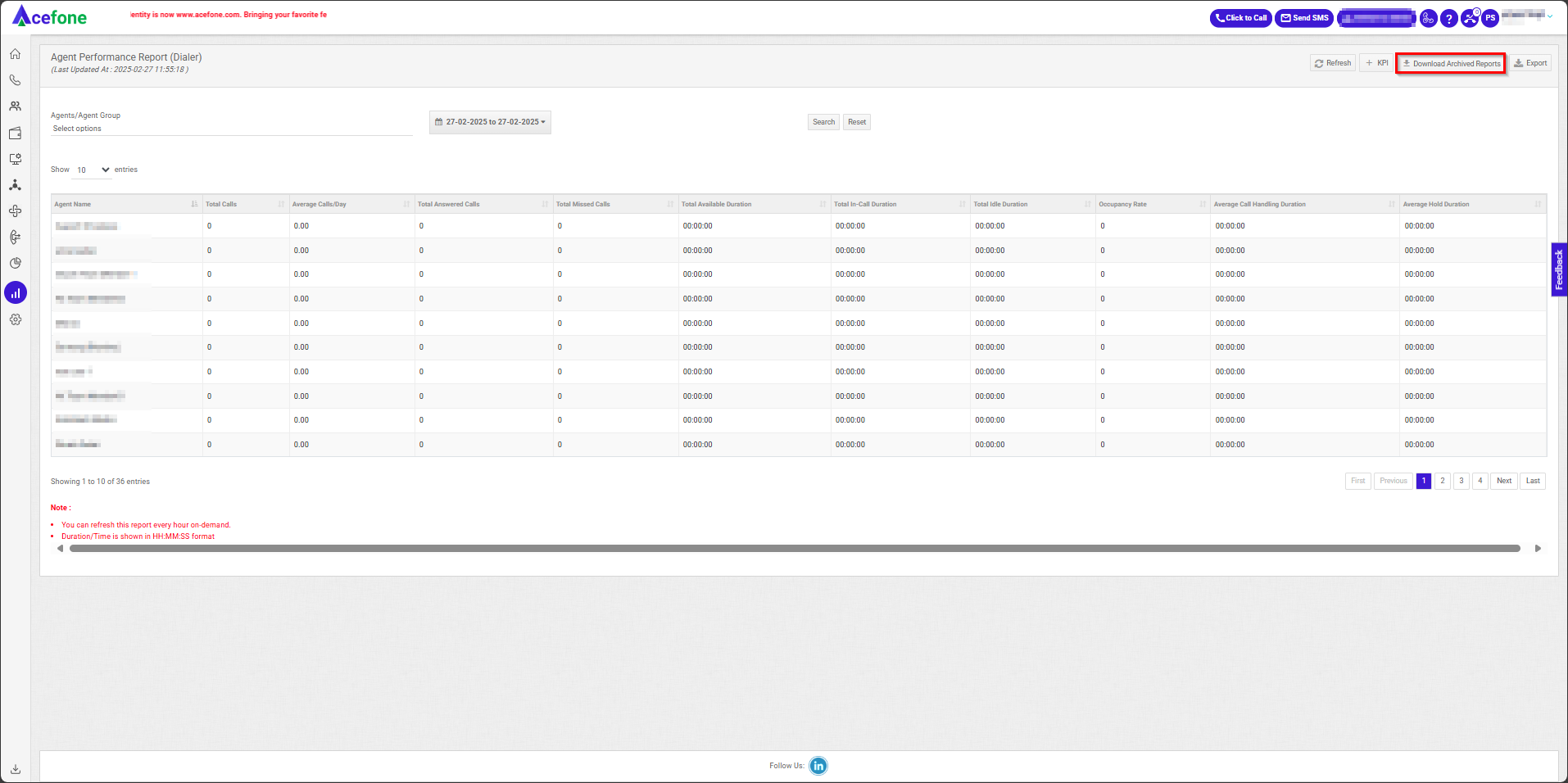
| Field | Description |
|---|---|
| Download Archived Reports | Allows downloading of previously archived call reports. These reports are stored in a pre-processed format for easy access. |
| Export | Click Export to download the report as a .csv file. |
Updated about 2 months ago
Did this page help you?